Flying
In the game now
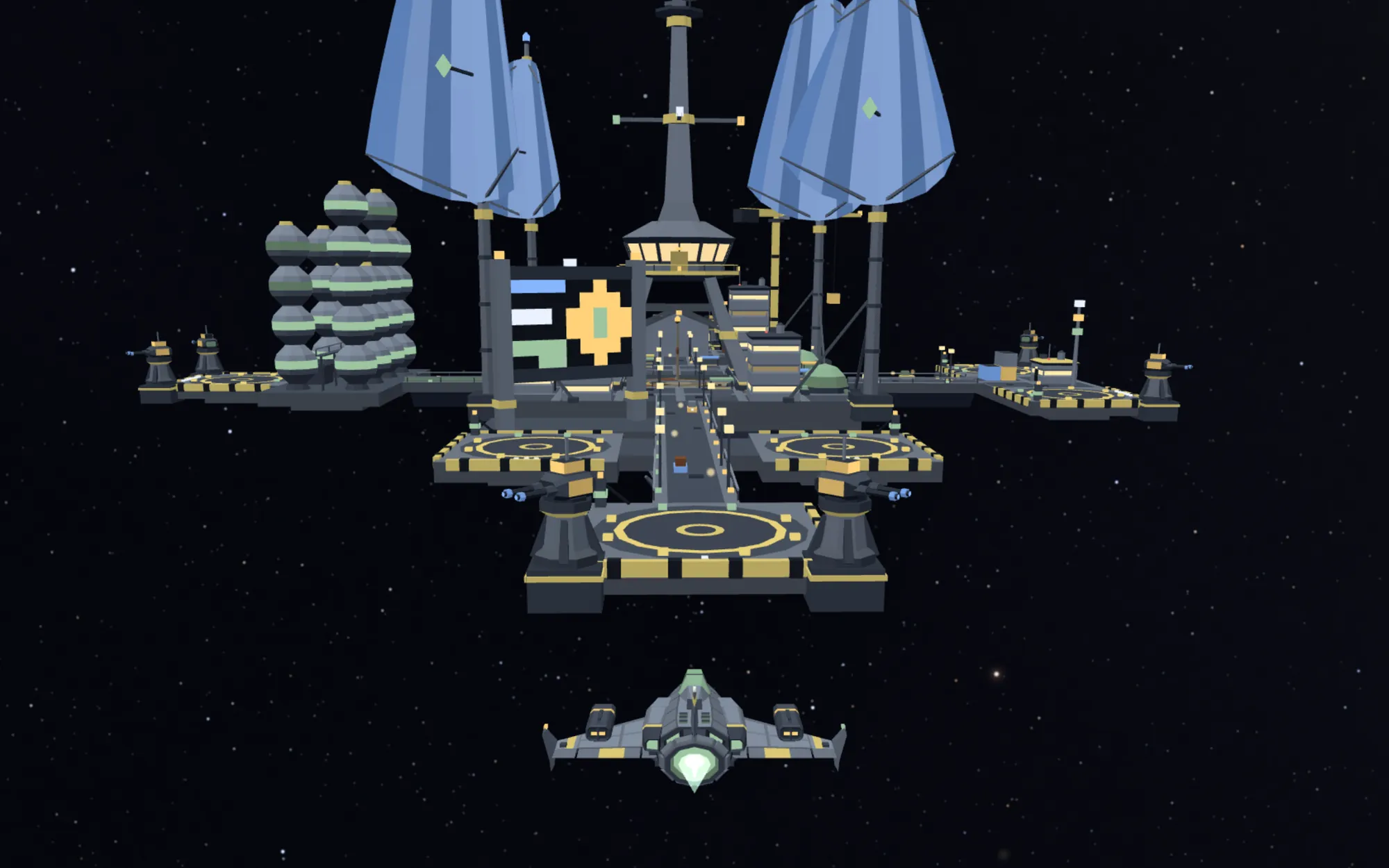
Your ship flies in full 3D and has momentum. Press ? in the game to see the keys at any time.
Controls
| What you do | Keyboard and mouse | Touch |
|---|---|---|
| Lift off | Space | LIFT |
| Thrust forward / back | W / S | THRUST / BACK |
| Steer | Arrow keys or drag; A / D also turn | Drag |
| Roll | Q / E | — |
| Up / down | Space / C or Ctrl | LIFT |
| Slide left / right | Z / X | — |
| Boost | Shift | — |
| Fire | F, Enter or click | FIRE, or a quick tap |
| Lock on | T | LOCK |
| Auto-land | L | LAND |
| Flight assist | V | — |
| Radar range | M, or click the range | Tap the range |
| Hangar, on your pad | H, or the Hangar button | The Hangar button |
A dash means there is no touch button for it yet. Keys go by their place on the keyboard, so W is the same key on any layout.
Speed
- The Skiff cruises at up to 300 m/s. Hold Shift to boost to 600 m/s.
- Assist on (the default): let go and the ship slows by itself. Assist off (V): it keeps drifting.
- Pads slow you down. Within 200 m of a pad your top speed falls to 30 m/s, and within 40 m to 8 m/s.
- Bumping a pad stops you and does no damage. Ships pass through each other, so nobody can ram or block you.
- Andarta is solid: your ship stops against it and slides along it, and nothing is damaged.
Take-off
Press Space. The ship climbs clear of the pad by itself and the legs fold away. For 5 seconds nothing can hit you, and you cannot fire (see Fighting).
Landing
Press L. Auto-land flies you to your own pad, rises above it, comes down and docks.
- L again stops it. So does steering by hand, and the readout says "Auto-land off: you steered".
- Firing and boosting do not stop it.
By hand: come down over the ring slowly and level, under 4 m/s. You can land on a neighbour's pad too, but only your own opens the hangar.
The radar
The sphere at the bottom left.
- It is fixed to the world's axes, X, Y and Z. The arrow in the middle is your ship, and the flat disc is the plane of your wings.
- Each pilot is a dot with a thin line to the disc, so you see who is above you and who is below.
- Andarta and your Home pad are always marked, with their distances.
- Three ranges: 2 km, 20 km and 300 km. It starts at 20 km.
- Anything beyond the range is drawn faint on the edge, in its direction.
The camera and the sky
The camera rides behind and a little above your ship. When you turn, the ship turns first and the view follows a moment later.
The sky is far away and never comes closer: a band of stars, a teal and magenta nebula, and a spiral galaxy up and to the right of your first view.
Good to know
- If the shared world cannot take you in, you fly a practice world alone and the readout says why. Reload to try again.
- The Sound button at the top remembers your choice.
- If your device asks for reduced motion, flashes and shakes are off.